
Tutorials
Oct 24, 2023
5 min read
How to Setup Your M3U Playlist on Samsung Smart TV
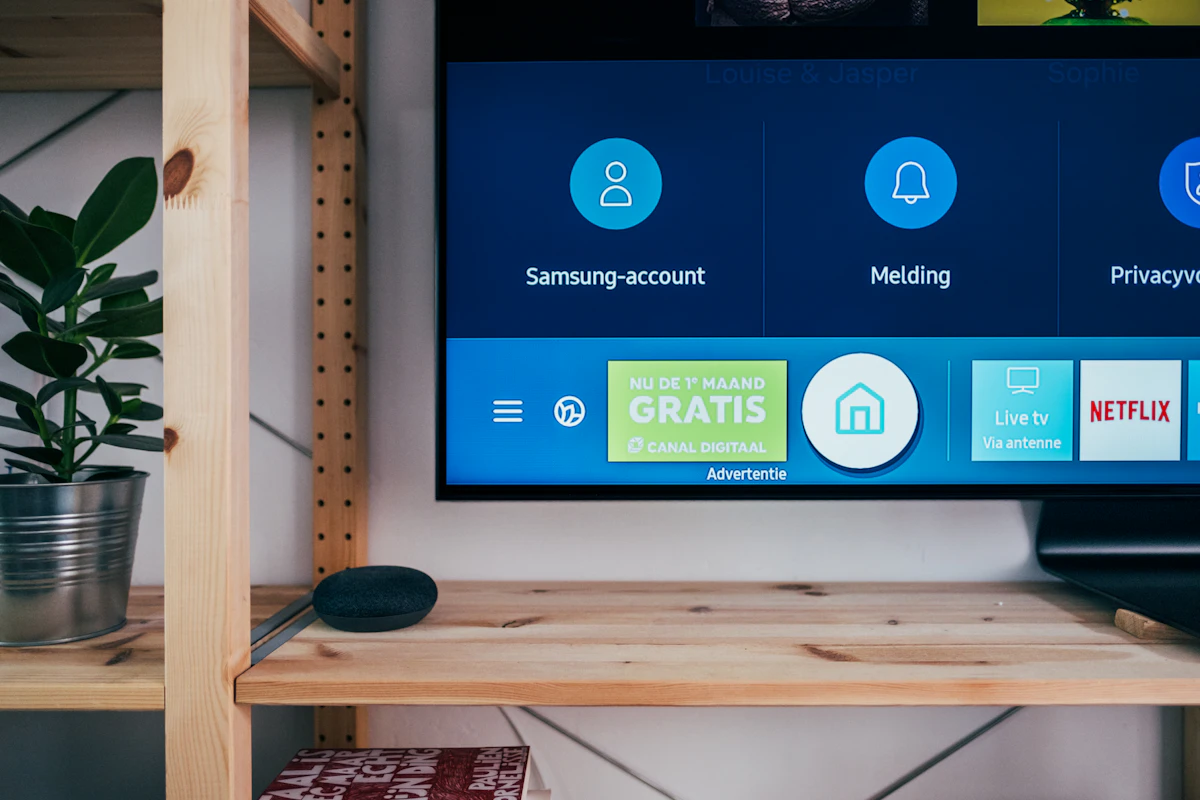
Setting up your IPTV playlist on a Samsung Smart TV has never been easier. With Roc Player, you can bypass the clunky interfaces of older apps and dive straight into your 4K content.
Step 1: Download Roc Player
Open the Samsung App Store on your TV. Search for "Roc Player" and click install. It's lightweight and installs in seconds.
Step 2: Note your MAC Address
Once you open the app, you will see a 12-character MAC Address on the screen. This is unique to your TV.
Step 3: Upload your Playlist
Head over to our Upload Page. Enter your MAC Address and paste your M3U link provided by your IPTV provider.
"The speed at which Roc Player syncs playlists is unmatched. It takes less than 3 seconds to load 10,000 channels."
Restart your TV app, and your channels, movies, and series will be beautifully organized and ready to watch.
Ready to upgrade your TV experience?
Download Roc Player today and start your 7-day free trial.
Activate Your Device